Welcome

Welcome to LOKD

Your journey to taking back your time and focus starts here. Download the LOKD app from the App Store first — compatible with iOS 16.6+. Need help? Contact us anytime.

Download on the App Store
Start a focus session
1

Start a focus session

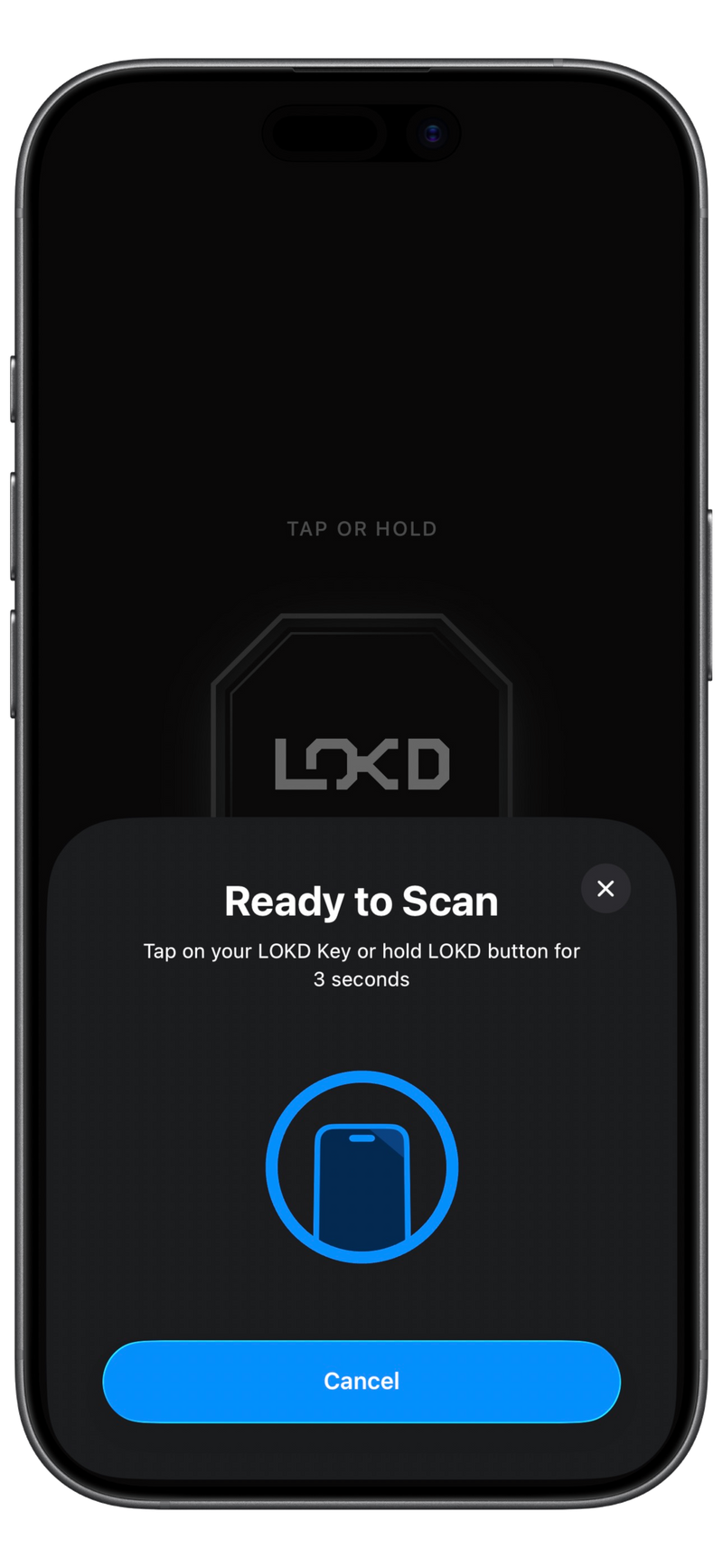
Complete onboarding, then tap the LOKD button in the app. Tap the top edge of your phone on the LOKD Key, or tap your phone on the back of your LOKD Keycard (where the NFC signal icon is) to begin. Don't have your Key with you? Hold the LOKD button for 3 seconds for a quick emergency unlock.

Keycard tip: scan the BACK of the card where the chip is placed. Either touch the card's back to the top of your iPhone, or touch the top of your iPhone to the back of the card — whichever feels easier.
Create custom modes
2

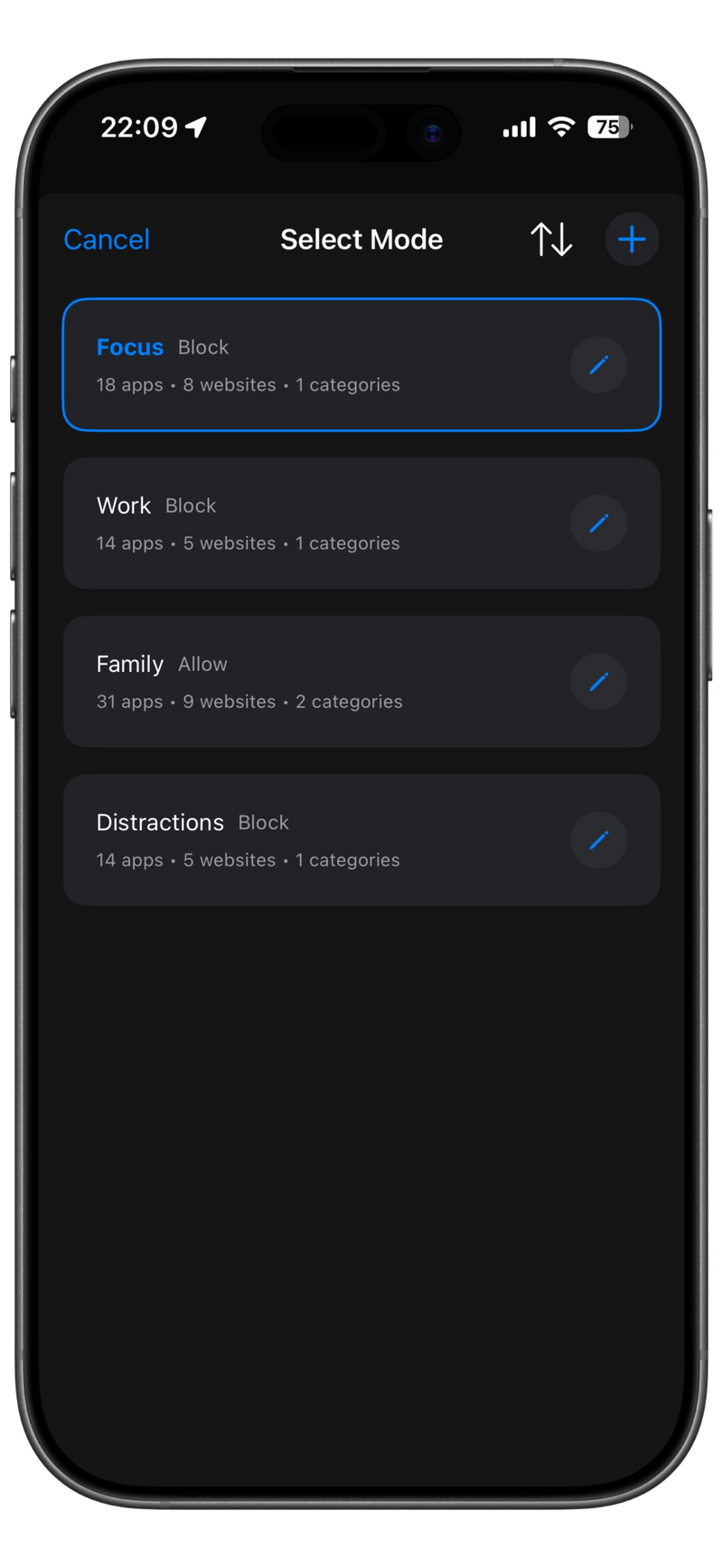
Create custom modes

Block specific apps or allow only selected ones. Tailor your focus modes for work, study, or personal time.

Schedule focus sessions
3

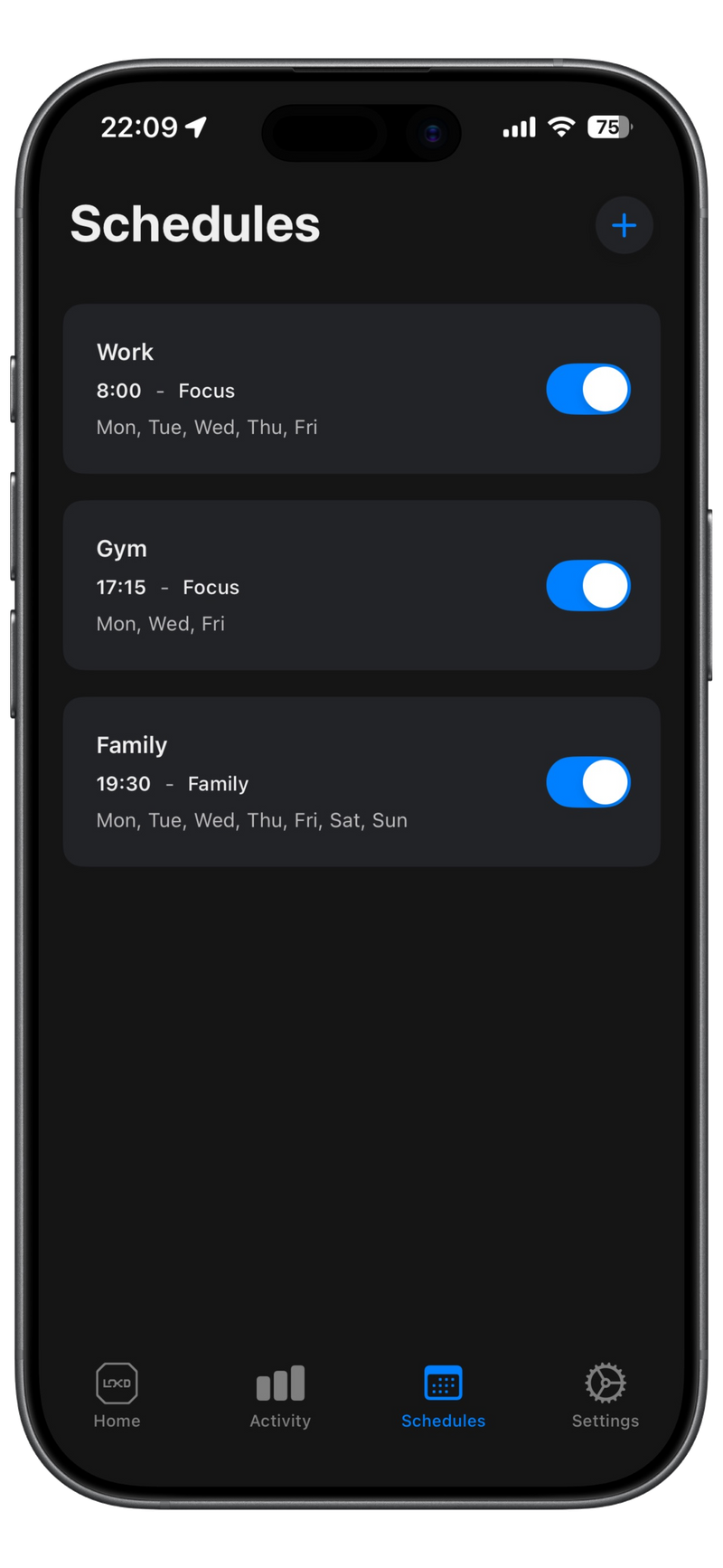
Schedule focus sessions

Set automatic focus sessions for your routine. End sessions by scanning your LOKD Key (or Keycard) again.

Track your progress
4

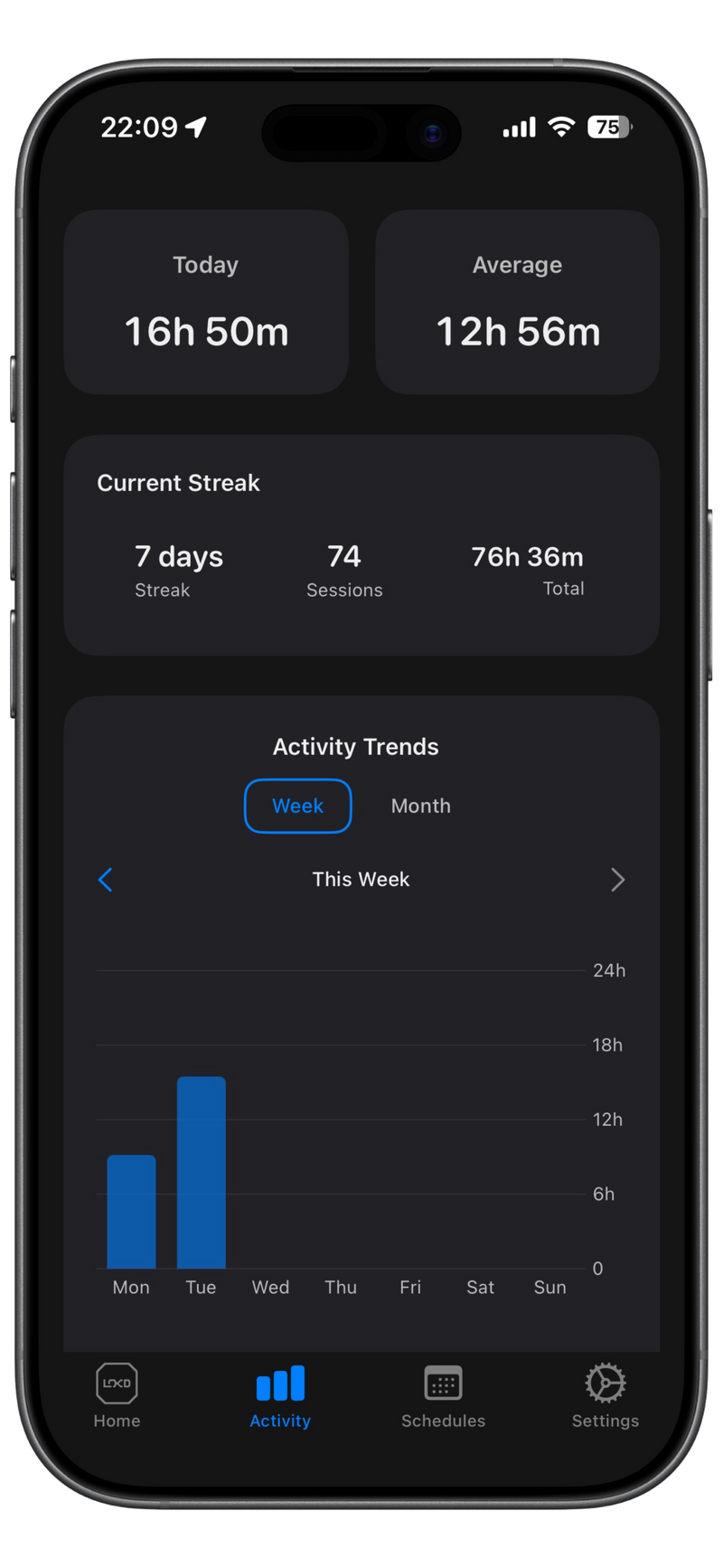
Track your progress

Monitor your focus time and productivity. See your improvement over time.